强大的DSP设计软件,能够无缝构建Q-SYS系统
利用直观、整洁的软件无缝集成,打造可扩展的Q-SYS系统。
强大的DSP设计软件,能够无缝构建Q-SYS系统
利用直观、整洁的软件无缝集成,打造可扩展的Q-SYS系统。
El software Q-SYS Designer es el programa de diseño de DSP más potente y sencillo, del mercado actual. Este software permite al usuario crear diseños en el sistema nativo de la plataforma Q-SYS y también integrar el ecosistema Q-SYS. El entorno de diseño se ha creado específicamente para ser intuitivo y fácil de usar. Está diseñado de forma ordenada y carece de menús complicados de multinivel. Como resultado, el software permite a los integradores de sistemas centrar sus energías en construir el sistema de audio, evitando así tener que superar la curva de aprendizaje de un software complejo.
• Un software para sistemas de cualquier tamaño: El software Q-SYS Designer es una aplicación para uso en todas las categorías Core de Q-SYS para proyectos de cualquier tamaño.
• Modo emulación: Construya la mayor parte del sistema sin hardware.
• Compatible con periféricos de terceros: Q-SYS permite el control de dispositivos externos a través de la programación con LUA disponible.
• Interfaces gráficas de usuario: Diseñe botones a medida, importe imágenes, añada protección PIN en la UCI como medida de protección adicional y cree controles de usuario para controles de pantalla táctil.
Nota: Antes de actualizar, asegúrese de crear copias de seguridad de sus archivos de diseño de Q-SYS de la versión actual o de versiones anteriores. Haga también copias de seguridad de todos los archivos multimedia que tenga en el Core. Para evitar sobrescribir sus copias de seguridad, recuerde no abrir las copias de seguridad con la versión de software Q-SYS Designer recién instalada.
更新的功能 v10.4.1
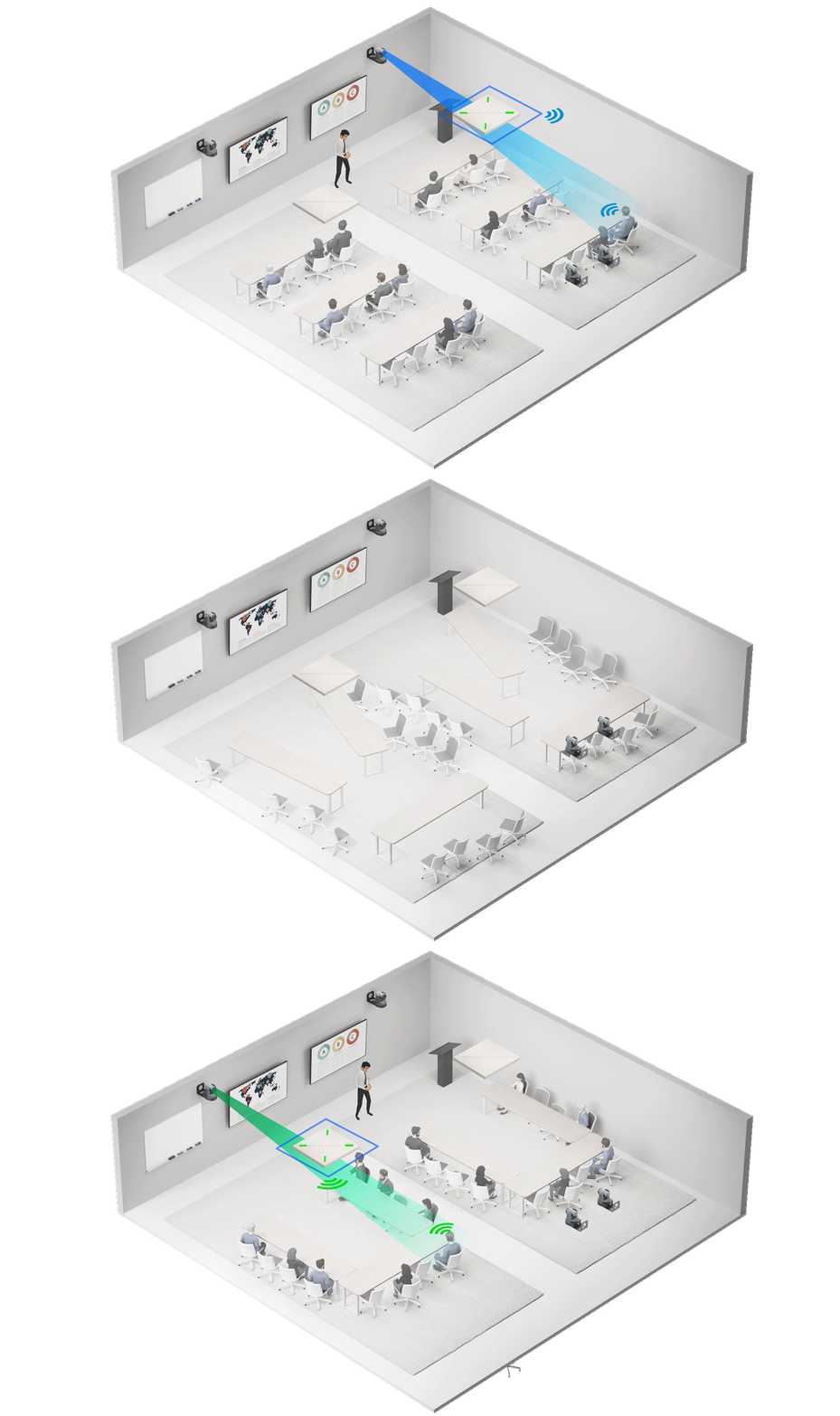
重要注意: 如果您要升级VSA-100以启用原生VisionSuite功能,则最新的VSA-100固件补丁需要重新调试VisionSuite系统。请联系当地Q-SYS销售代表,讨论安装问题并获取固件。
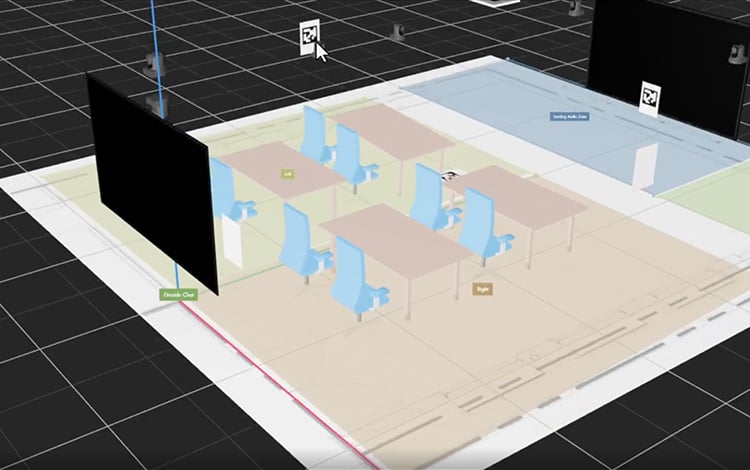
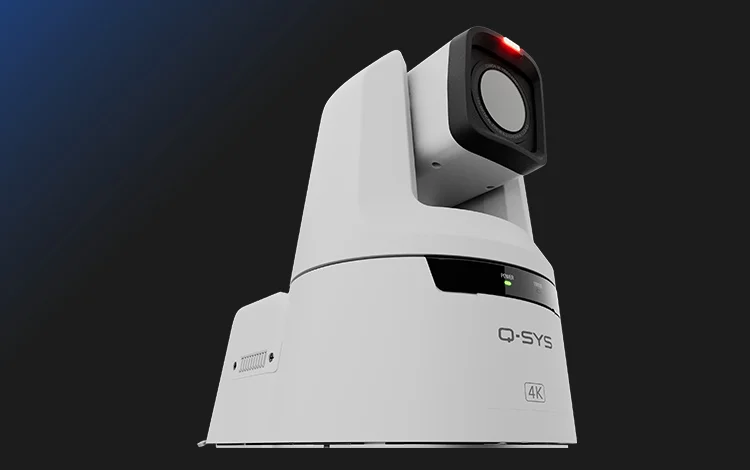
发布时间:2026年7月30日
升级注意事项:如果要从版本9.13.x升级,无需执行额外操作。如果要从9.12.x或更低版本升级,请参阅升级要求中的说明。
发布时间:2026年8月13日
长期支持版本提供严重错误修复和安全更新,并且兼容受支持硬件的次要版本,同时保留Q-SYS Designer Software v9.4的功能集。从发布之日起,此版本的支持期为24个月,或直到新的LTS状态的版本发布。
为传统系统申请Q-SYS Designer Software的先前版本或停产(EOL)版本。
QSC se ha asociado con varios fabricantes de tecnología AV&C para ofrecer una amplia gama de plug-ins prediseñados. Esto hace que la integración de dispositivos de terceros en un sistema Q-SYS se pueda realizar simplemente mediante una sencilla configuración drag-and-drop.
Diseñe interfaces gráficas de usuario para su dispositivo iOS en el software Q-SYS Designer y utilice esta aplicación gratuita para controlar de forma inalámbrica cualquier elemento de su sistema Q-SYS desde su iPhone o iPad.


El archivo de ayuda en línea de Q-SYS es el archivo de ayuda más completo y más actual para el Q-SYS Designer Software y el hardware, y los periféricos relacionados. Puede acceder a este archivo de ayuda dentro del software Q-SYS Designer. El archivo de ayuda online de Q-SYS se suele actualizar con más frecuencia que el archivo de ayuda que se encuentra en el software Q-SYS Designer.